A live quiz for your video call
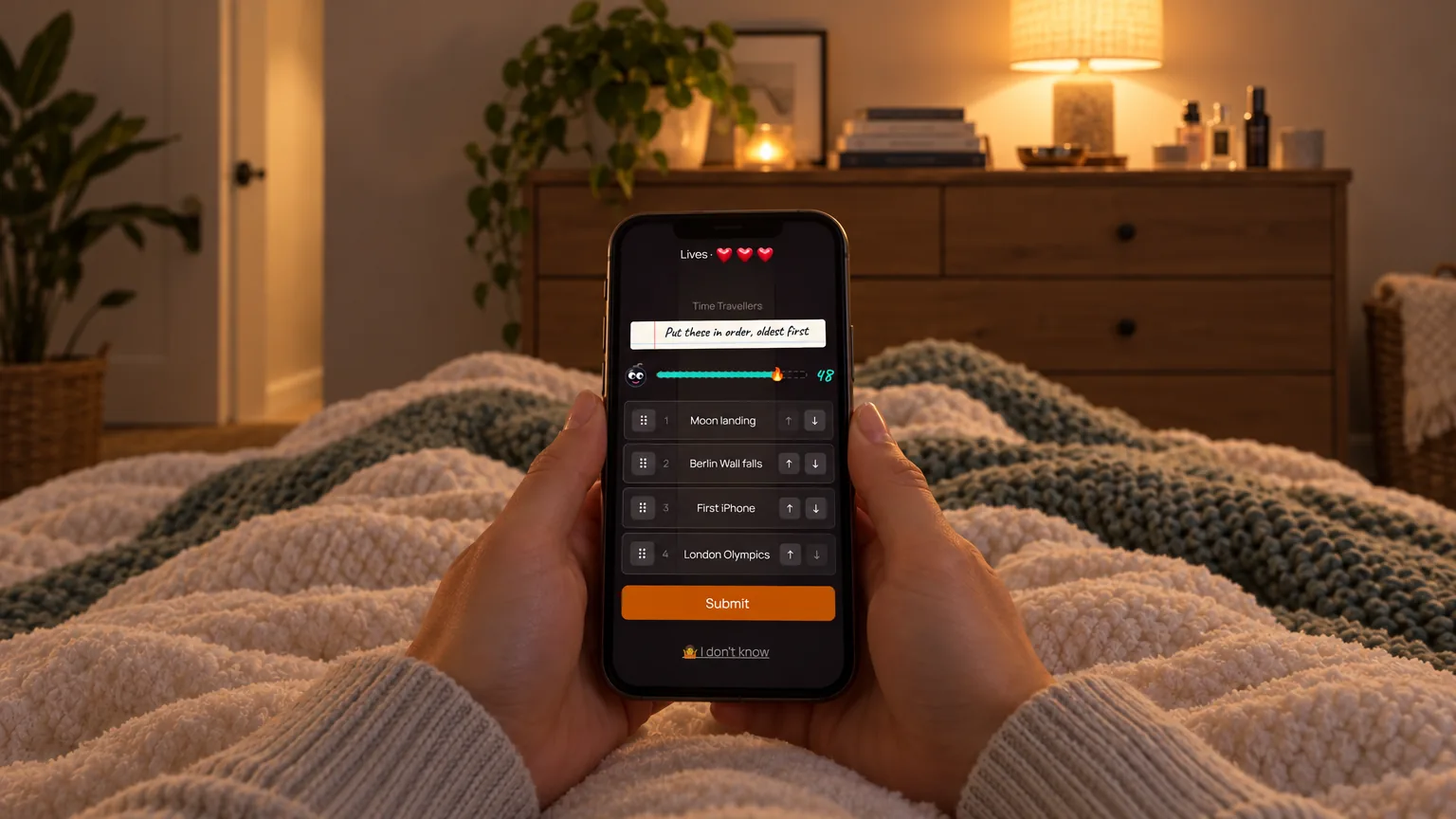
Share the quiz screen in your call, or let every phone show the questions itself. Players answer on their phones, so nobody has to type into the chat.
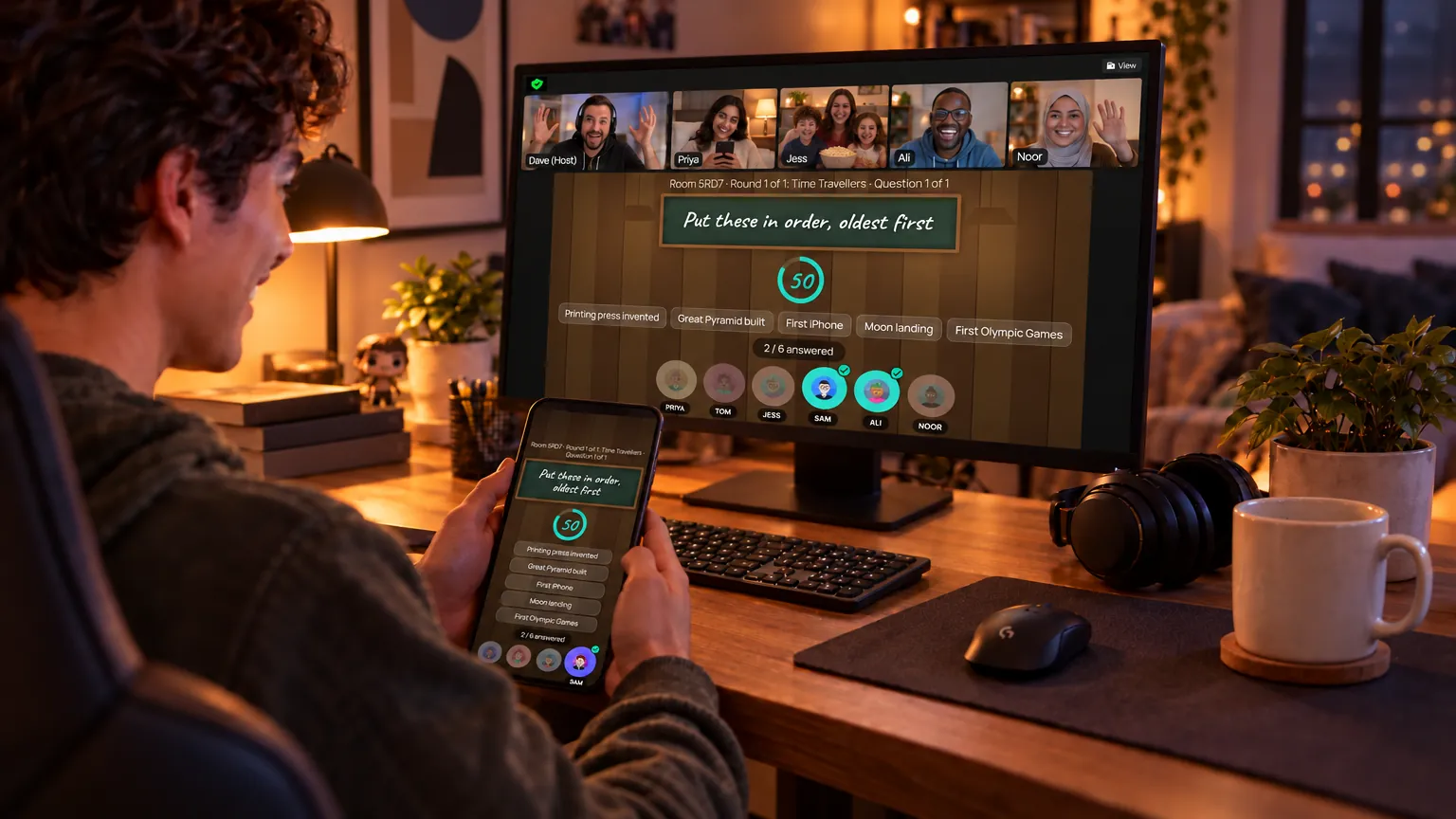
Two ways to play remotely
- Share a screen. Screen-share the shared screen page in Zoom, Teams or Meet. Share the computer's sound if you want the effects.
- Phones only. No screen sharing. Each phone shows the questions, the answers and the scores.
Why it works for calls
- No app to install. Players join with a link or a four-letter code.
- Answers stay hidden until you reveal them.
- Teams and captains, so a group on one call can work as a team.
- Family-friendly mode stars out swear words players type.