Quiz your students on their subject
Put a question on the lecture screen and let everyone answer on their own phone. You see how many got it right straight away, and the room sees the answer at the same moment. No clickers, no logins for students.
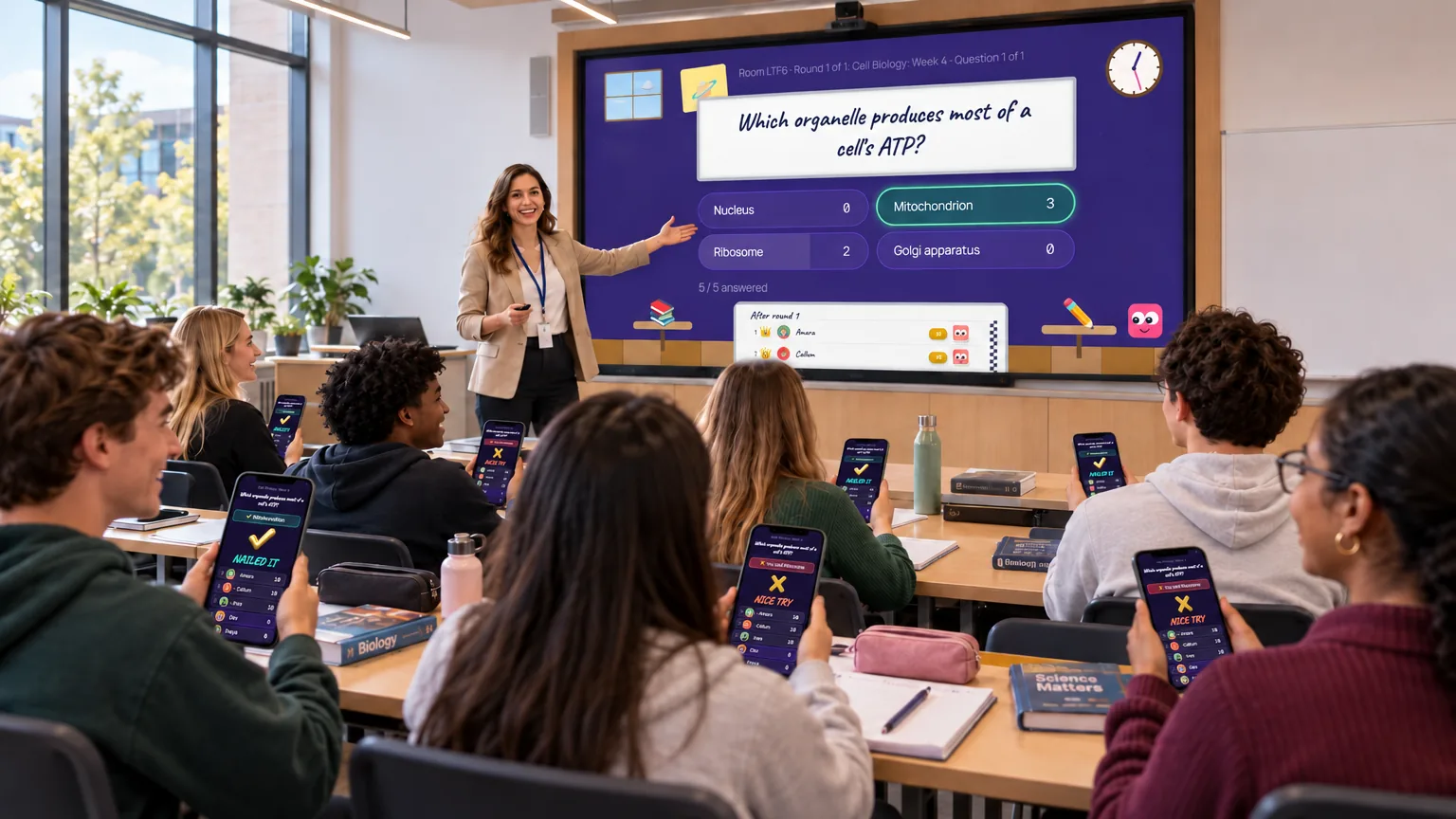
How it works in a lecture
- You write the questions yourself, or import them from a Word document or PDF.
- Students scan a code and join on their phones. Nothing to install.
- Answers stay hidden until you reveal them, then the screen shows how the room voted.
- Multiple choice, free text, guess the order, nearest wins and more, so it is not only recall.
- Teams, if you want groups to work together. Family-friendly mode stars out swear words students type.
- Print a host sheet and a marking sheet as a paper backup.
Want to try it without writing a quiz?
The free classroom has ten-question lessons on ready-made topics you can play against Rascal, our cheeky sidekick. Find it at quizzeerascals.com/classroom.
Questions people ask
- How many students can join?
- The free plan runs up to 10 players, Quizzer up to 25 and Quiz Master up to 100.
- Do students need an account?
- No. They scan a code or open a link and type a name.
- Can they play in teams?
- Yes. Players can pick a team, be shuffled into teams, or you can assign them.
- Can I use my own slides or pictures?
- Questions can carry a picture or an audio clip on the paid plans, and you can build a picture in the editor.
- Can I run it from a lecture-hall computer?
- Yes. It runs in a browser on any computer, and the shared screen page works on a projector.